
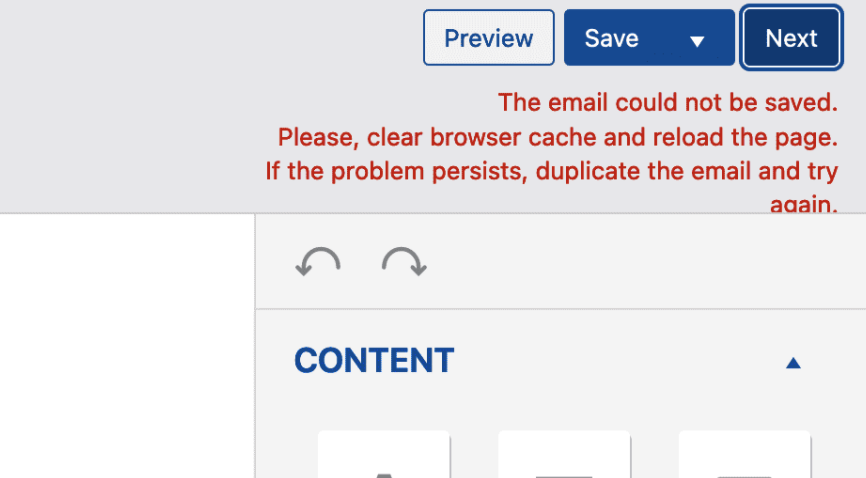
Sometimes you can get the following error when trying to save your MailPoet email:
The email could not be saved. Please, clear browser cache and reload the page. If the problem persists, duplicate the email and try again.
Try the following steps in order to fix it:
- Clear your browser cache or try a different browser.
- Check if your site has enough disk space on the server.
- Check if you copied any custom HTML to your email.
- Check if your admin user has proper write permissions.
- Check if you have any security plugins. Disable them and check if the issue persists.
- Check with your host if they have a firewall set up that would cause the error.