
All currently translated languages are provided with our newsletter plugin.
If a specific language isn’t available, MailPoet will be in English by default. You can help us translate our plugin to your language by submitting complete translations or just some strings.
We’re not accepting requests for locales that are 90%+ translated as these translations are managed by our team.
Translating the Plugin on Transifex
1. Create an account on our Transifex page and request the language you’d like to translate. Please note there are no validations for locales not supported by WP-T.
2. We check incoming requests periodically. If you’d like your request to be accepted sooner, please contact us.
3. Translate strings directly on Transifex.
4. You can download your translation’s MO file and upload it to your own website /wp-content/languages/plugins folder. Make sure to properly rename the .mo file from Transifex into the plugin languages folder replacing the old file.
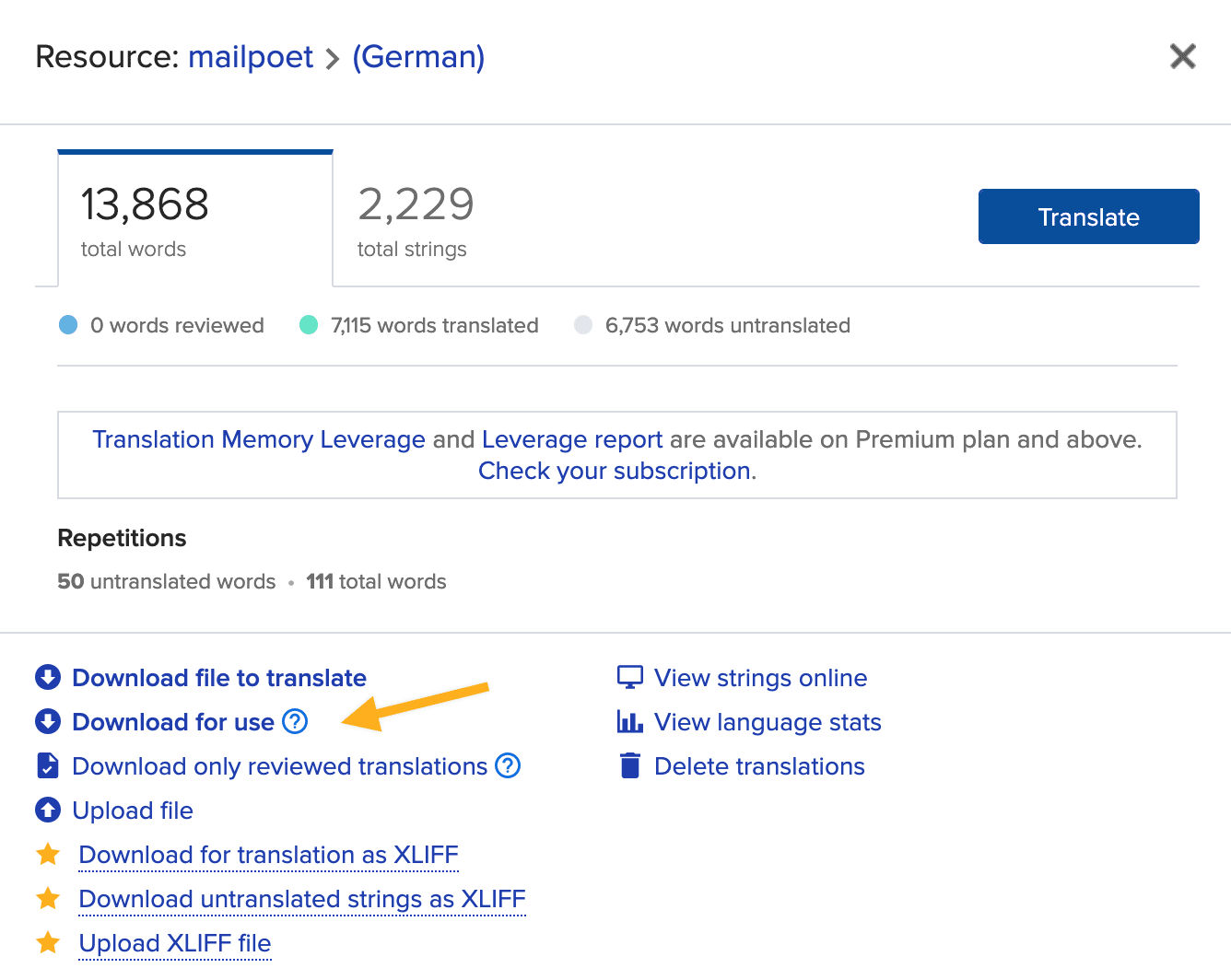
For instance, the file’s name for a Brazilian Portuguese translation would be: mailpoet-pt_BR.mo
Please note that translations added to /wp-content/languages/plugins will be used instead of the translations included with the plugin.
Changing the Plugin’s Language
If you changed your site’s language you need to download the new translation for MailPoet by going to your Dashboard > Updates > Update Translations.
Does MailPoet support RTL?
MailPoet has partial RTL support.
When your WordPress site uses an RTL locale, such as Arabic or Hebrew, newly rendered legacy MailPoet emails are sent with right-to-left direction. Text-like content such as paragraphs, headings, lists, header text, and footer text will use right alignment by default.
Explicit center, right, and justified alignment are preserved. Historical/default left alignment in legacy emails is treated as the old default, so it may render as right-aligned on RTL sites.
This support currently applies to both email editors. It does not add RTL support for the MailPoet admin UI, public forms, or Premium UI.