
Email automation is one of the most effective ways to keep your subscribers informed and engaged, but understanding the difference between
transactional emails and marketing emails is crucial. Knowing this helps you create appropriate automations that meet your subscribers’ expectations and comply with regulations.
What’s the Difference?
Transactional Emails in Automations: Transactional emails are sent in response to specific triggers, either from a subscriber’s actions like placing an order or renewing a subscription or from updates on the website itself, such as an order being created or cancelled. These emails provide essential updates to users, keeping them informed about their orders, subscriptions, and account activities.
Triggers for Transactional Emails in MailPoet:
- Order Status Changed: Sent when the status of a user’s order has been updated.
- Order Completed: Sent when a user’s order is completed.
- Order Cancelled: Sent when a user’s order is cancelled.
- Order Created: Sent after a user’s order is created.
- User Abandons Cart: Sent when a user leaves items in their cart without purchasing.
- Woo Subscription Status Change: Sent when a subscription status is updated.
- Woo Subscription Started: Sent when a user’s subscription begins.
- Woo Subscription Trial Ended: Sent when a user’s trial period ends.
- Woo Subscription Trial Started: Sent when a user’s trial period begins.
- Woo Subscription Renewed: Sent when a subscription is renewed.
- Woo Subscription Payment Failed: Sent when a subscription payment fails.
- Woo Subscription Expired: Sent when a user’s subscription expires.
 Transactional emails are generally expected by users, and because they’re essential, they don’t require opt-in consent like marketing emails.
Marketing Emails in Automation: Marketing emails aim to promote your brand or products to drive engagement, inform subscribers about offers, or build relationships over time. Because these emails are promotional, they require explicit consent from the recipient to avoid being marked as spam.
Triggers for Marketing Emails in MailPoet:
- WordPress User Registers: Sent when a new user registers on your site.
- Someone Subscribes: Sent when someone subscribes to your mailing list.
- Subscriber Clicks a Link in an Email: Sent when a subscriber clicks a link in an email.
- User Makes a Comment: Sent when a user leaves a comment on your site.
- Customer Buys a Product: Sent when a customer purchases a product.
- Customer Buys From a Category: Sent when a customer buys a product from a specific category.
- Customer Makes a Review: Sent when a customer submits a product review
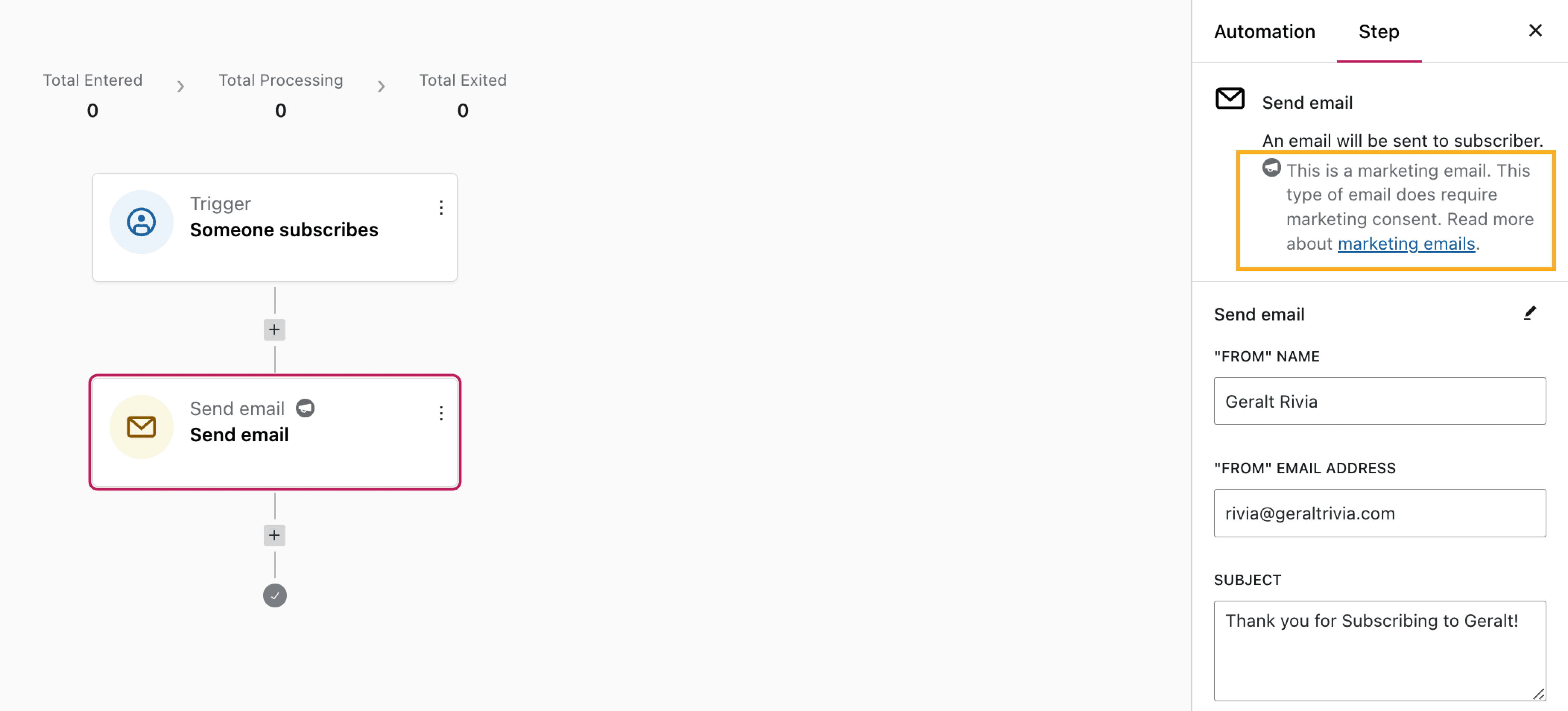 How a Transactional Email Can Become a Marketing Email:
In MailPoet, transactional emails are triggered by specific events, whether from actions a subscriber takes, like completing a purchase or renewing a subscription, or from certain updates on the website, such as when an order is created or cancelled.
However, adding a
delay action changes the intent of the email. When a delay is added, the focus often shifts from providing immediate information to encouraging engagement or re-engagement over time, which aligns more with marketing objectives. Because the email is no longer an instant response to the user’s action, it’s considered less critical and more promotional.
For example, an
Order Status Changed email sent right after a purchase is transactional, keeping the user informed. But if you set a delay for this email to go out hours or days later, it may be seen as a nudge to bring the user back to engage further, which moves it into the realm of marketing.

Noting the Symbols for Transactional vs. Marketing Emails:
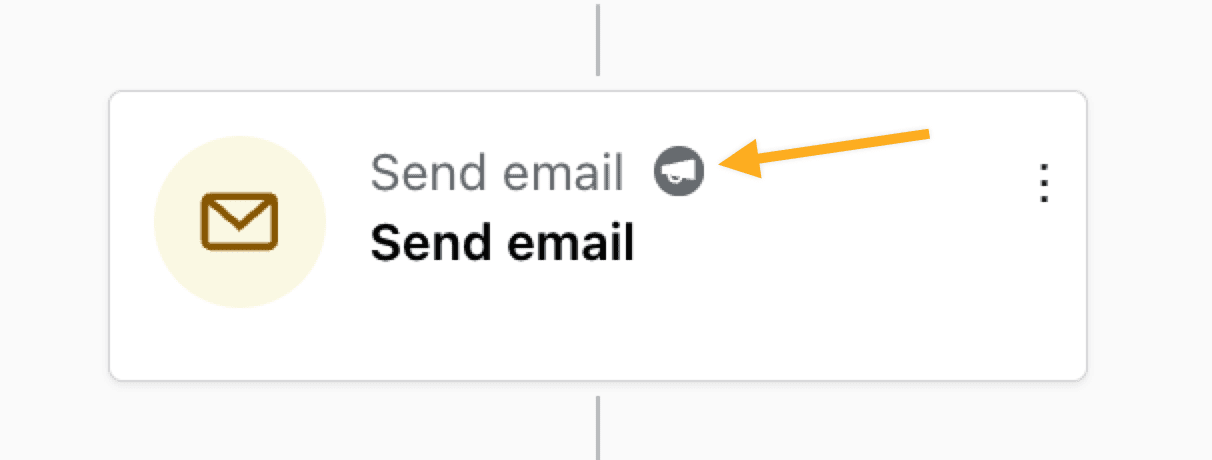
MailPoet uses different symbols to help you distinguish between transactional and marketing emails:
Transactional Email Symbol:

Marketing Email Symbol:
How to Classify Your Email Automations:
Using the specific triggers above, here’s how to decide whether an automation should be classified as transactional or marketing:
- Purpose of the Email: Ask yourself if the email is essential for a transaction or intended to drive engagement. If it’s for engagement, it’s likely marketing.
- User Expectation: Consider whether the user has taken an action that requires a follow-up, like purchasing an item (transactional) versus subscribing to updates (marketing).
- Content Focus: Transactional emails should stick to necessary details (e.g., order information), while marketing emails often contain calls to action for further engagement.
- Consent Requirements: Marketing emails need explicit consent, while transactional emails don’t, as they’re necessary for users’ actions.
What Kind of Subscribers Get What Type of Email?
Transactional Emails: These types of emails to users who have taken an action that requires follow-up, like completing a purchase etc. These emails are for any user actively engaged in a specific transaction or process, and they do not need to be listed as “Subscribed” in the MailPoet plugin.
Marketing Emails: These types of emails are only sent to those who have opted in to receive promotions, product updates, or general newsletters. These subscribers can receive welcome emails, product recommendations after purchasing a particular product etc. They must be listed as “Subscribed” in the MailPoet plugin to receive these types of emails.