
To permanently delete your MailPoet account, access the Account Info tab of your MailPoet Account and click the Permanently Delete Account button below Danger Zone section:
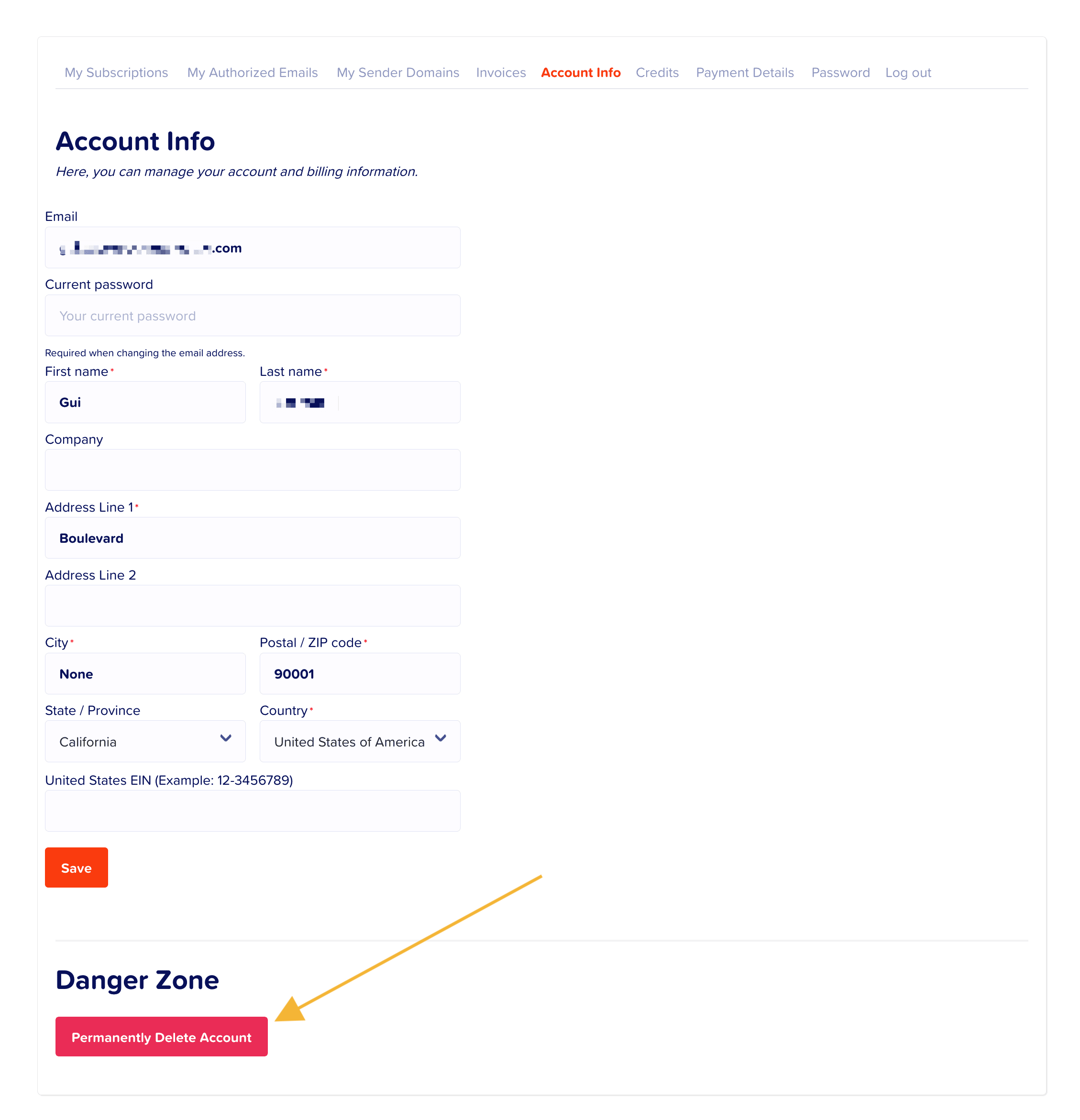
Then, you will be redirected to the confirmation page where you can read about everything that will happen after the account closure:

Make sure to read carefully before proceeding with deleting your account. To confirm, click the Pemanently Delete My Account button. Otherwise, click the No, Keep My Account to cancel the account closure.